Lightweight by design
Use only 20–140 MB of RAM instead of the 800 MB or more common in similar email clients.
A native Rust email client built for extreme speed and efficiency, instant startup, tiny memory usage, and no browser engine weighing it down.
As little as 20 MB RAM · Native Rust · No WebViews
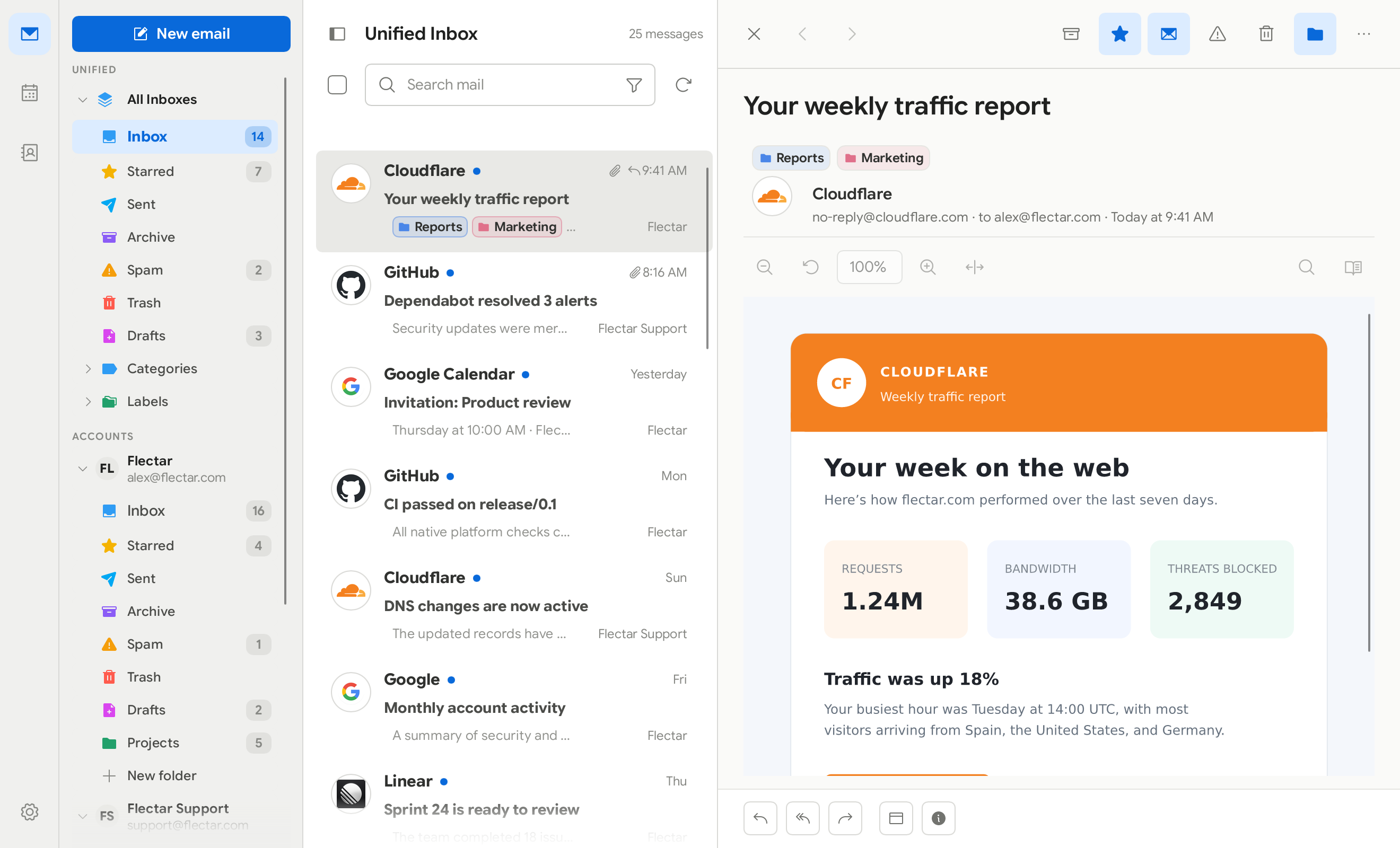
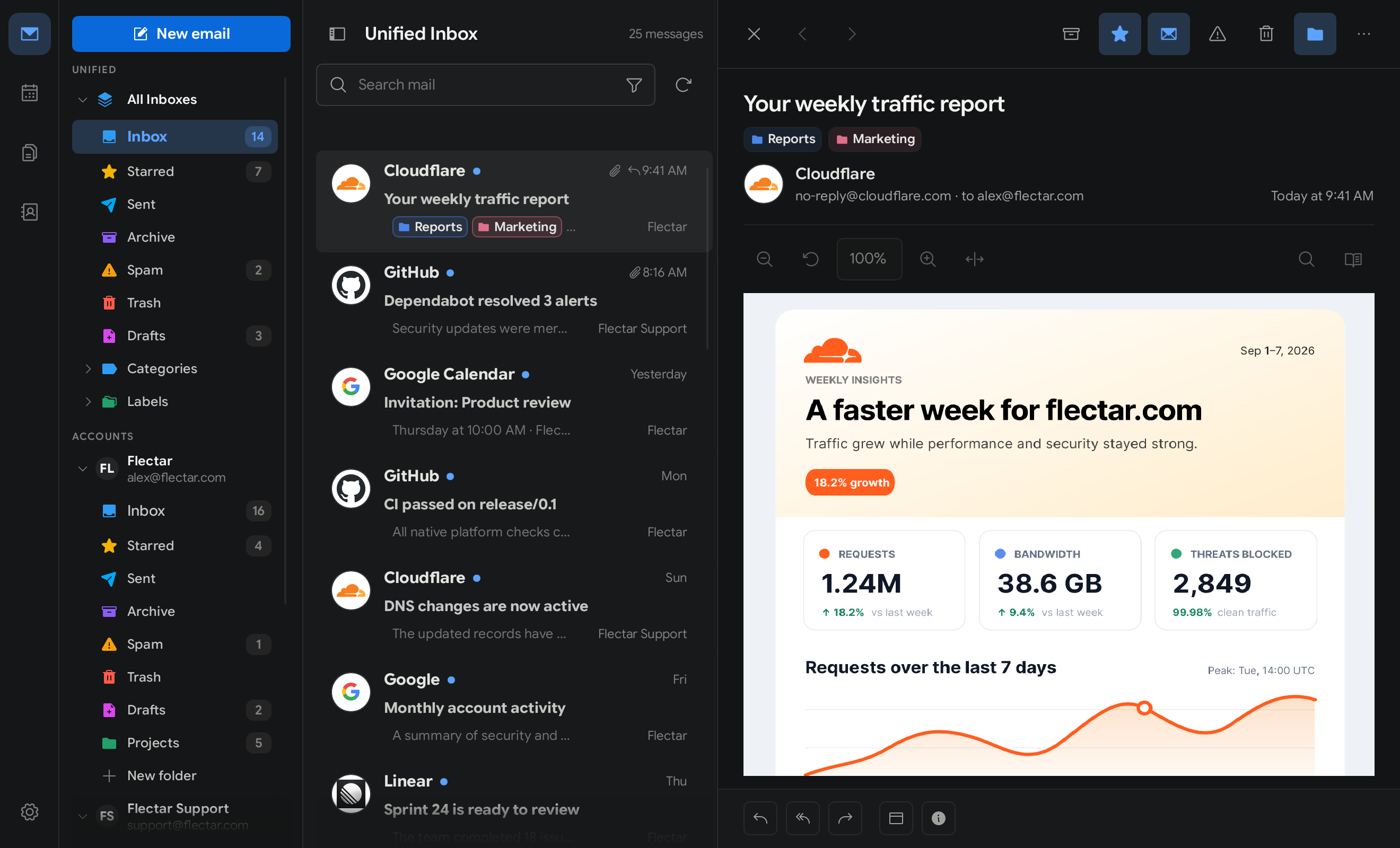
A native, fully Rust codebase gives Flectar Mail the speed, efficiency, and control web-based clients cannot match.
Use only 20–140 MB of RAM instead of the 800 MB or more common in similar email clients.
Open source for desktop and mobile, with an instant native experience powered by a fully Rust codebase.
No embedded webviews. Flectar Mail uses its own Rust HTML and CSS renderer, reducing the application’s attack surface by design.
Compare the technology behind the clients—not just their inboxes.
| Email client | Typical RAM use | Application architecture | UI runtime / WebView | Platforms |
|---|---|---|---|---|
| Flectar Mail | 20–140 MB | Rust app + custom renderer | No WebView | Windows, macOS, Linux, iOS, Android |
| Gmail in one Chrome tab | ≈300 MB | Browser-based web app | Chrome / Chromium | Web |
| Thunderbird | ≈850 MB | Gecko-based desktop app | Gecko rendering engine | Windows, macOS, Linux, Android |
| Outlook for Windows | ≈800 MB | Windows shell + WebView UI | Microsoft Edge WebView2 | Windows |
| Aerion | ≈450 MB | Go shell + WebView UI | Wails · system WebView | Windows, macOS, Linux |
| Spark | ≈650 MB | Electron shell + web UI | Electron / Chromium | macOS, Windows, iOS, Android |
RAM figures are indicative observations, not a controlled benchmark. Usage varies with the operating system, mailbox size, extensions, active accounts, and activity.
Flectar Mail is ready for Windows and Linux, with more platforms on the way.
Download the native Windows installer.
Choose the package format that fits your distribution.
A native macOS release is in development.
The Android release is coming soon.
The iPhone and iPad release is coming soon.
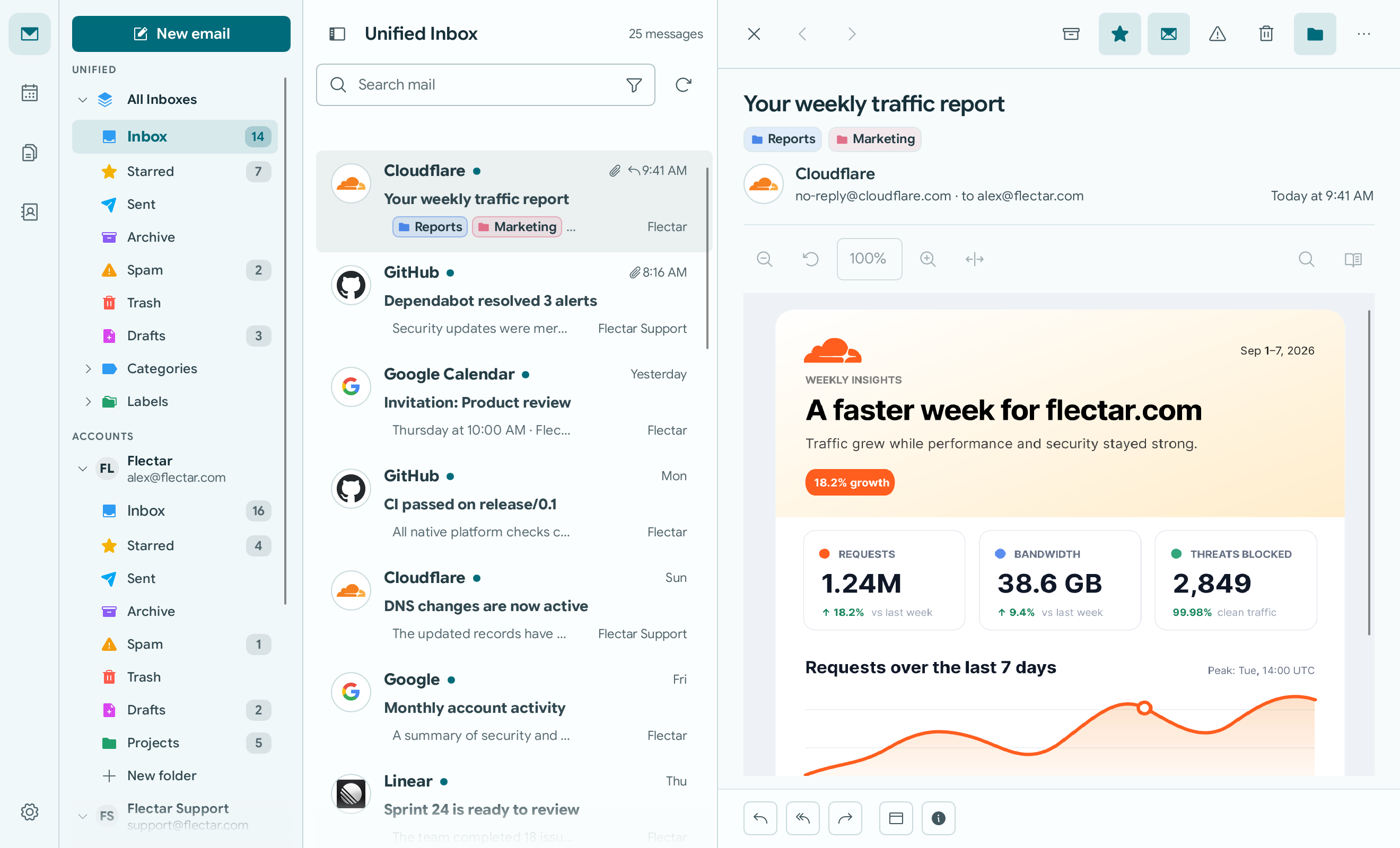
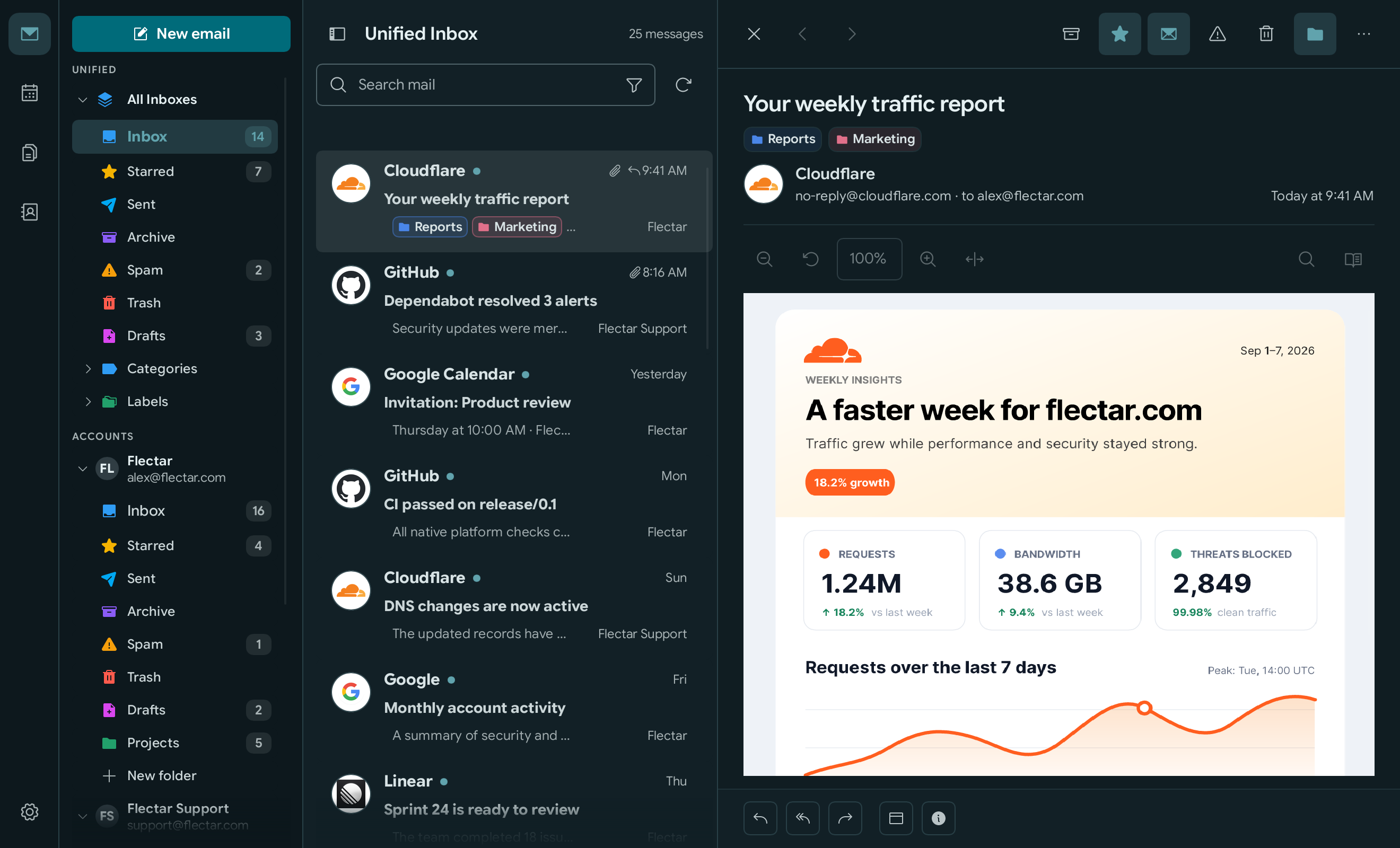
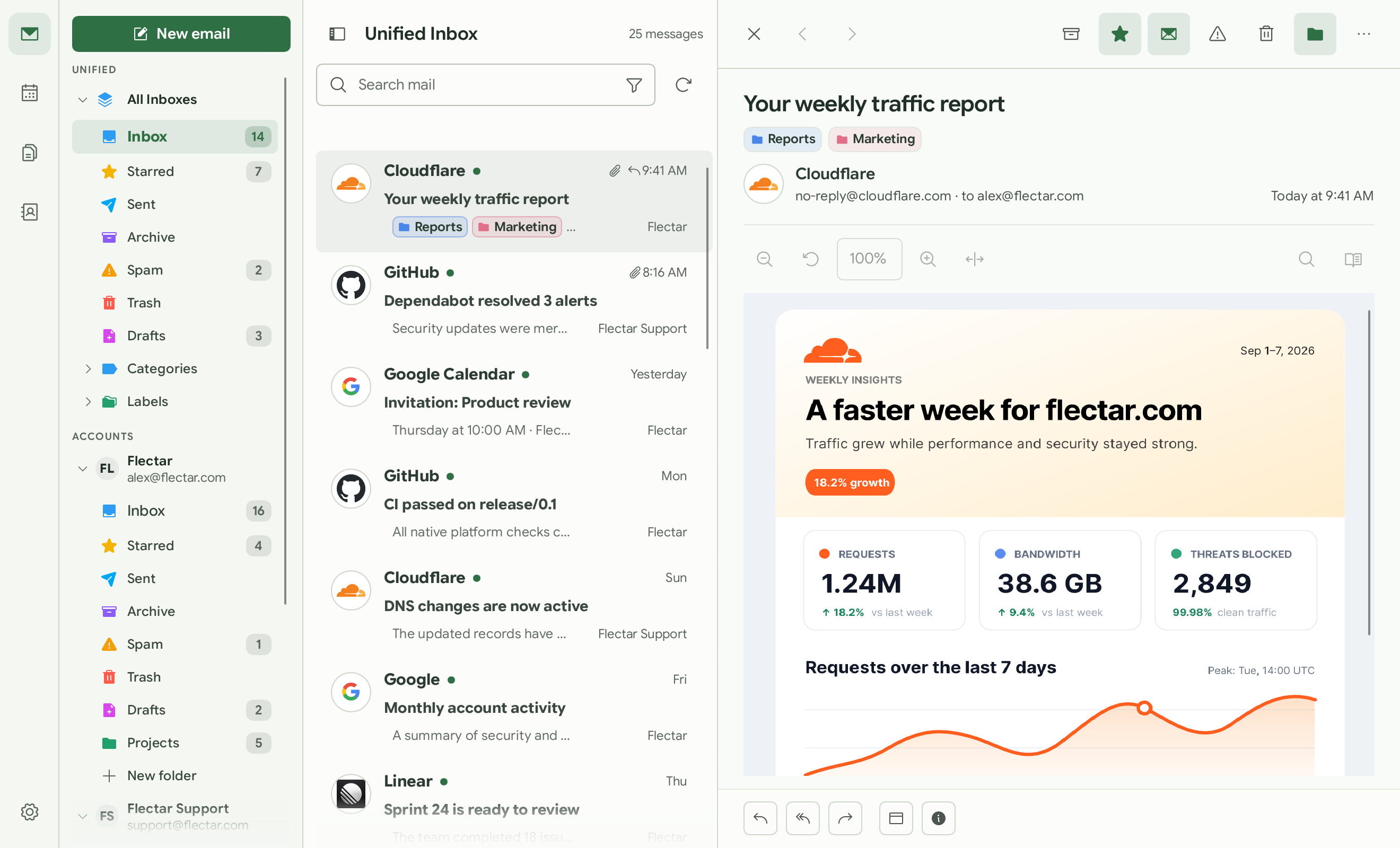
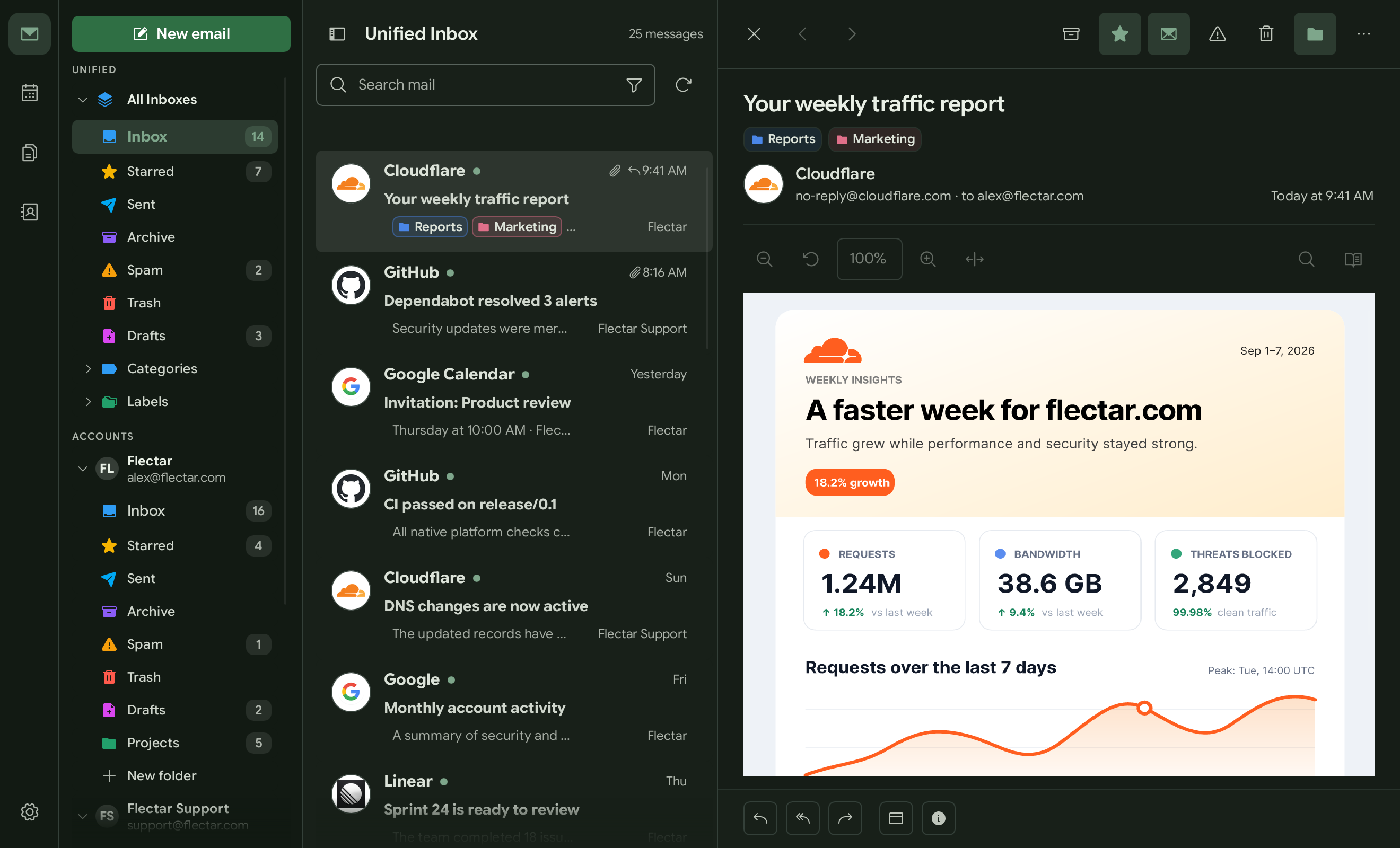
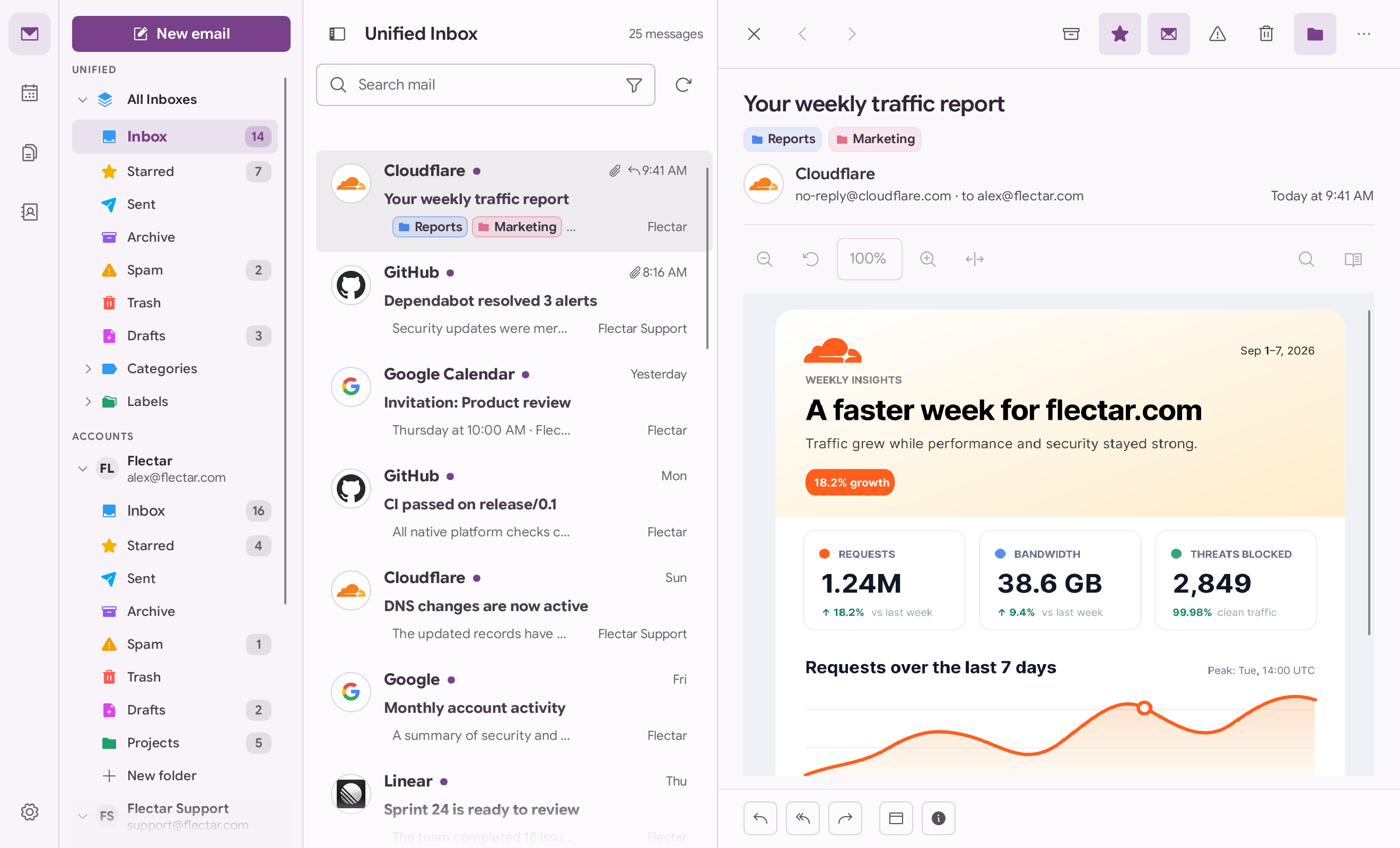
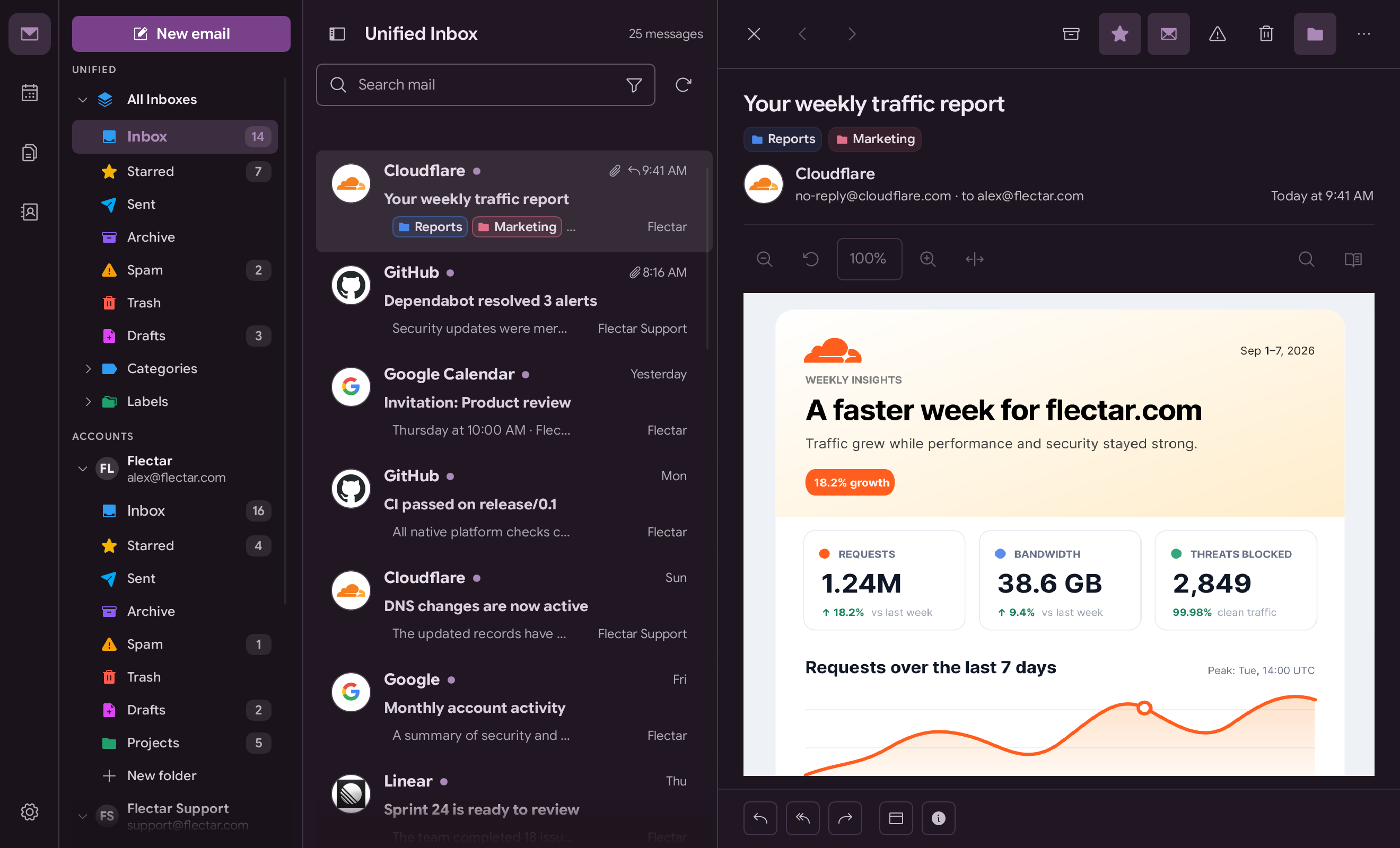
Keep the detailed three-pane layout or switch to a streamlined minimal view. Choose light or dark mode, select a built-in color palette or create a custom one, and show or hide sender avatars.
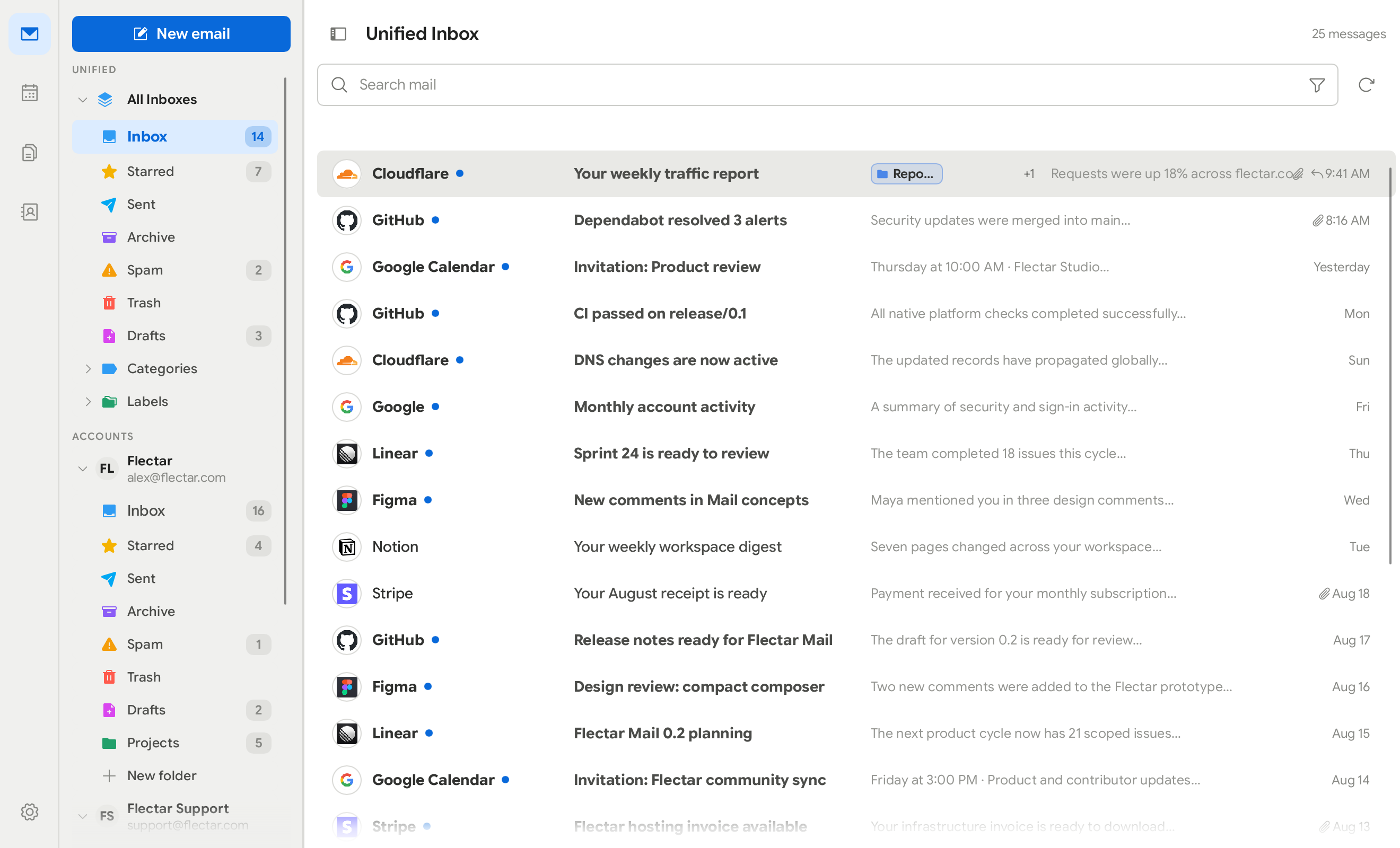
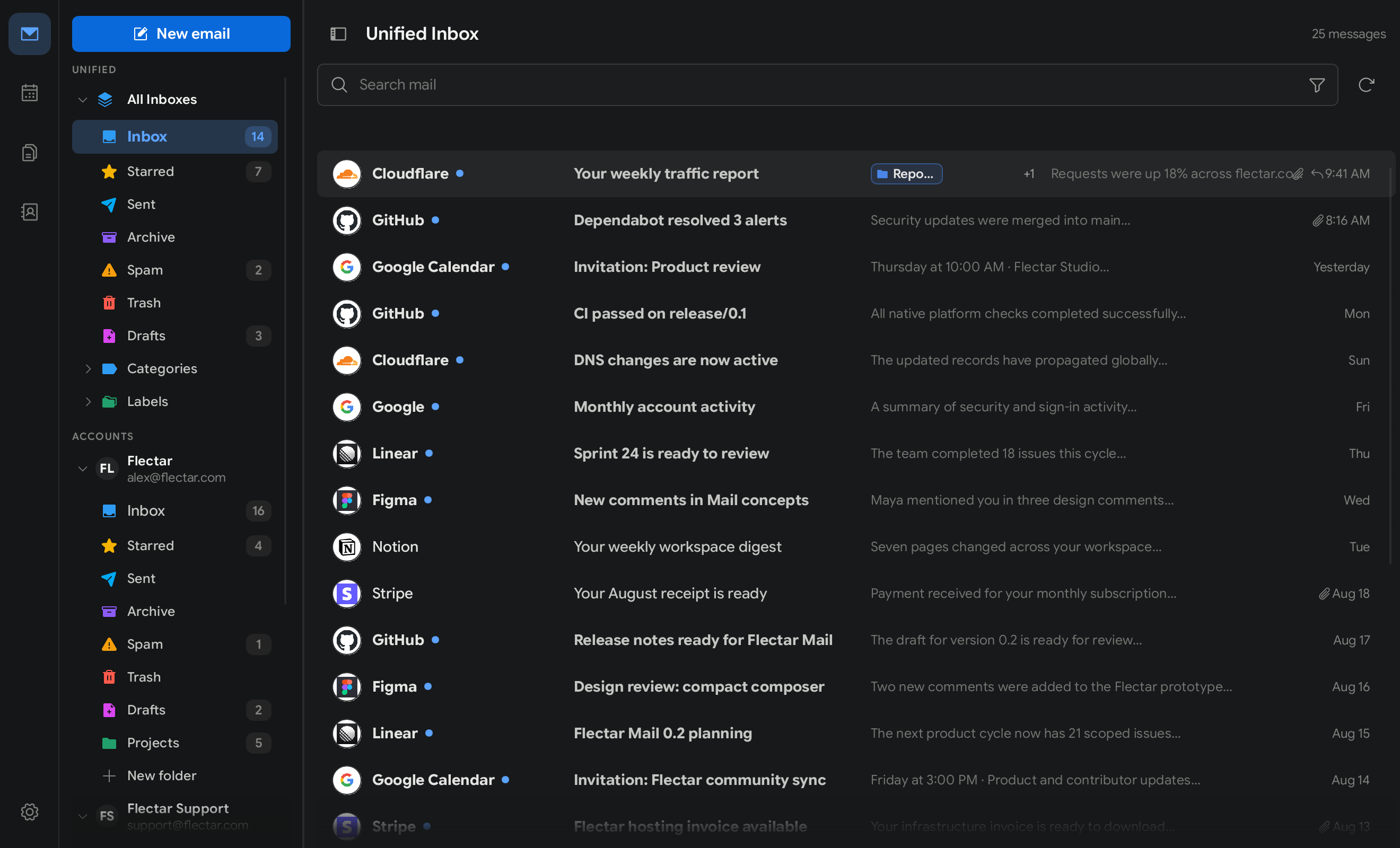
Keep folders, messages, and the selected email visible together, or reduce visual noise and give each part of your inbox more room.
Match your workspace to the time of day and the way you prefer to read, with either theme available across both layouts.
Start with a built-in teal, green, or purple palette, then create a custom color palette of your own.
Built-in palettes are available in light and dark mode, alongside a custom palette for a workspace that is distinctly yours.
Tell us how email fits into your work, and we’ll keep you in the loop.
example
Let's get started